
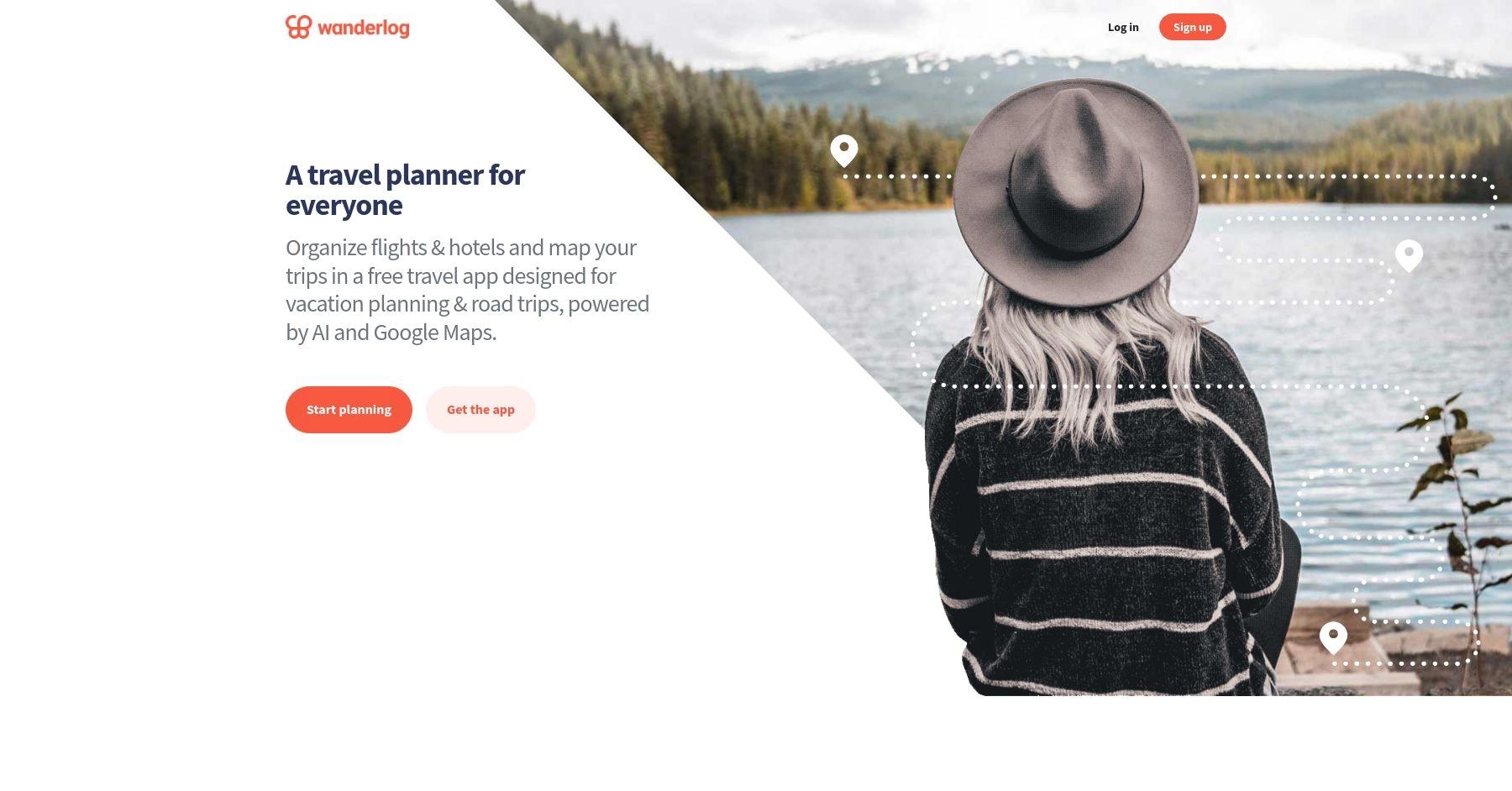
What is Wanderlog?
Wanderlog is a travel planning app that helps users organize trips, collaborate with others, and track itineraries in real time. It allows users to create detailed, personalized travel plans, including mapping routes, booking accommodations, and sharing travel details with friends.
Details
- Pricing
- Free to use
- Mobile app
- Available
- Best for
- Collaborative travel planning, offering detailed itineraries and real-time syncing.
- Website
- Visit Wanderlog
Pros & Cons Of Using Wanderlog
Pros 😊
- User-Friendly Interface: Wanderlog is praised for its intuitive and clean interface, making trip planning easy for both solo travelers and groups. Users appreciate the seamless organization of itineraries, accommodations, and activities in one place.
- Collaboration Features: Many users highlight its collaboration tools, which allow friends and family to plan trips together in real time. This feature is especially useful for group trips, enabling everyone to contribute and view updates.
- Offline Access and Integration: Wanderlog supports offline access, which travelers find invaluable when they don't have internet connectivity. Additionally, its ability to integrate with Google Maps, email confirmations, and calendar apps is seen as a major convenience.
"Great app! It was quite handy to use to plan our trip and to share our trip itinerary and travel notes with friends / co-travelers in the group. The app also proactively gives helpful suggestions like travel tips and even tells you when certain restaurants or attractions in your travel list might be closed. I've used the free version and it was still very helpful."
Verified Google Play Store ReviewCons 😭
- Limited Advanced Features: While Wanderlog is great for basic trip planning, some users feel it lacks advanced features, such as robust budgeting tools, detailed expense tracking, or integrations with more niche travel services.
- Subscription Costs: Some features, like offline maps and certain customization options, are locked behind a premium subscription. Users who prefer free tools may find this restrictive.
- Customization Constraints: A few users have reported that the app's templates and structure can feel somewhat rigid, limiting flexibility in organizing more complex or unconventional itineraries.
"I was so excited to find this for an upcoming trip with lots of stops. I began adding all my hotels and others places I wanted to check out to discover I have to pay for the map usage. 50 bucks for a once in a lifetime trip is so not worth it. Maybe if you travel multiple times a year, it would be worth it. You really should consider a monthly rate with options to put the account on hold."
Verified Google Play Store ReviewExploring The Top Features Of Wanderlog
Comprehensive itinerary builder
Wanderlog offers a robust itinerary creation system that allows you to build detailed day-by-day travel plans. The drag-and-drop interface makes it easy to organize flights, accommodations, activities, and transportation in a visual timeline format. Unlike basic planning tools, Wanderlog automatically populates location details including descriptions, photos, ratings, hours of operation, and contact information when you add destinations.
The platform integrates seamlessly with Google Maps, showing travel times and distances between locations to help you plan realistic daily schedules.
Real-time collaborative planning
One of Wanderlog's standout features is its Google Docs-style collaborative editing. Multiple travelers can simultaneously edit the same itinerary, making it perfect for group trips where everyone wants input on the plans. Team members can add suggestions, vote on activities, and contribute to different aspects of the trip planning process.
The collaboration extends to expense splitting, where group members can track shared costs and settle bills at the end of the trip, similar to apps like Splitwise.
Interactive map integration
Every destination you add is automatically plotted on an interactive map powered by Google Maps. The visual representation helps you understand the geographic relationship between locations and optimize your daily routes. For road trips, Wanderlog connects your destinations with route lines, giving you a clear view of your travel path.
The Pro version includes a route optimization feature that automatically rearranges your daily activities in the most efficient order based on location and travel times.
Automatic reservation importing
Wanderlog can automatically import your travel reservations by forwarding confirmation emails to a unique trip-specific email address or by connecting your Gmail account. The system recognizes booking confirmations for flights, hotels, rental cars, and activities, automatically adding them to your itinerary with all relevant details.
This eliminates manual data entry and ensures all your important travel information is centralized in one place.
Curated travel recommendations
The platform provides personalized recommendations for attractions, restaurants, and activities based on your destination and preferences. These suggestions come from travel guides, user-generated content, and integrations with services like TripAdvisor. You can add recommended places to your itinerary with a single click.
The Pro version includes an AI assistant that provides local tips and suggestions as you plan your trip.
Budget tracking and expense management
Wanderlog includes comprehensive budgeting tools that let you set trip budgets and track expenses by category (flights, accommodation, food, activities). The expense tracker supports multiple currencies and provides visual breakdowns of your spending patterns.
For group travel, the bill-splitting feature allows you to specify who paid for what and how costs should be divided among travelers, with automatic calculations for settling up.
Offline access and mobile optimization
The mobile app stores your itineraries locally, allowing you to access your plans even without internet connectivity. This is particularly valuable for international travel or when visiting areas with poor cellular coverage. The Pro version enhances this with offline maps and full functionality.
The app syncs seamlessly across devices, so changes made on your phone are instantly available on your computer and vice versa.
Google Maps export and integration
Wanderlog integrates deeply with Google Maps, allowing you to export your daily itinerary directly to Google Maps for turn-by-turn navigation. This creates a seamless transition from planning to execution, as you can follow your pre-planned route using the navigation app you're already familiar with.
The system shows estimated travel times between destinations and can factor in different transportation methods.
Travel guides and community content
The platform hosts user-generated travel guides that you can browse for inspiration and practical tips. These guides include detailed itineraries, photos, and recommendations from real travelers who have visited your destination. You can save items from these guides directly to your own trip plan.
This community aspect helps you discover hidden gems and local favorites that might not appear in traditional guidebooks.
Document organization and note-taking
Wanderlog serves as a central repository for all your travel documents and notes. You can attach files, add detailed notes to each destination, create packing lists, and store important travel information. The checklist feature helps ensure you don't forget important tasks or items.
The platform also allows you to add custom sections and organize information in whatever way works best for your travel style.
Multi-destination and road trip support
Unlike many travel planners that work best for single-destination trips, Wanderlog excels at complex, multi-city itineraries and road trips. You can add unlimited stops, plan routes between cities, and organize your trip by geographic regions or time periods.
The visual map interface makes it particularly useful for planning driving routes and understanding the spatial relationships between destinations.
5 Reasons You'll Love Using Wanderlog 😍
1. Powerful collaborative planning
Plan group trips like working on a Google Doc—everyone can edit simultaneously, add suggestions, and contribute to the itinerary in real-time.
2. Visual map-based organization
See all your destinations plotted on an interactive map with travel times and distances, making it easy to plan logical daily routes.
3. Comprehensive free version
Get full itinerary building, collaboration, budgeting, and recommendation features without paying a subscription fee.
4. Seamless Google Maps integration
Export your daily plans directly to Google Maps for navigation, creating a smooth transition from planning to exploring.
5. All-in-one trip management
Handle everything from detailed itineraries and expense tracking to document storage and packing lists in a single platform.
5 Reasons You Might Not Love Using Wanderlog 😭
1. Manual entry required for details
Unlike TripIt's automatic email scanning, you often need to manually input reservation details and lesser-known attraction information.
2. Limited real-time travel alerts
Wanderlog doesn't provide flight delay notifications or gate changes like specialized travel management apps—you'll need airline apps for that.
3. Pro features feel expensive
At $39.99/year, some users find the Pro subscription costly for features like offline access and route optimization that could be essential.
4. Overwhelming for simple trips
If you prefer spontaneous travel or just need basic planning, Wanderlog's comprehensive feature set might feel like overkill.
5. No direct booking capabilities
While you can research flights and hotels, you can't book them directly through the app—you'll need to use separate booking sites.
Summary
Wanderlog is a comprehensive travel planning platform that excels at creating detailed, collaborative itineraries with strong visual organization. Unlike travel tracking apps, it focuses on the planning phase, offering robust tools for building day-by-day schedules, managing group input, and organizing all aspects of your trip in one centralized location.
The platform's strength lies in its combination of detailed itinerary building, real-time collaboration, and visual map integration. Its free version is remarkably comprehensive, offering most essential features without cost, while the Google Maps integration creates a seamless planning-to-navigation experience. The collaborative features make it particularly valuable for group travel, allowing multiple people to contribute to the same trip plan.
However, Wanderlog requires more manual input compared to automated tools like TripIt, and it lacks real-time travel notifications that frequent flyers might expect. The Pro subscription, while adding useful features like offline access and route optimization, carries a significant annual cost that may not be justified for casual travelers. Additionally, the platform's comprehensive feature set can feel overwhelming for those who prefer simple, spontaneous travel.
Still, for travelers who enjoy detailed planning and want a single platform to organize complex trips—especially group travel—Wanderlog offers an unmatched combination of features, collaboration tools, and visual organization that can transform the often chaotic process of trip planning into an organized, enjoyable experience.
Frequently Asked Questions (FAQ)
Is Wanderlog free to use?
Yes, Wanderlog's core features are completely free, including itinerary building, collaboration, map integration, budgeting tools, and travel recommendations. The Pro version costs $39.99/year and adds features like offline access, route optimization, AI assistance, and Google Maps export.
How does Wanderlog compare to TripIt?
Wanderlog focuses on trip planning and collaboration, while TripIt excels at organizing existing reservations. Wanderlog offers better visual maps, group planning, and budgeting tools, while TripIt provides superior automatic email scanning and real-time flight alerts. Wanderlog is also $10/year cheaper than TripIt Pro.
Can multiple people edit the same trip?
Yes! Wanderlog's collaborative features work like Google Docs—you can invite friends and family to edit the same itinerary simultaneously. Group members can add destinations, contribute notes, track shared expenses, and split bills. This makes it ideal for group travel planning.
Does Wanderlog work offline?
The basic app stores your itineraries offline so you can view your plans without internet. However, full offline functionality including maps requires the Pro subscription. With Pro, you get complete offline access to your itinerary and maps, essential for international travel or remote destinations.
Can Wanderlog automatically import my reservations?
Yes, but it requires some setup. You can forward confirmation emails to a unique address for each trip, or connect your Gmail account for automatic importing. However, it's less automated than TripIt—you may need to manually add some details or lesser-known bookings to get complete information.
Alternatives

Wandrly
Create limitless travel lists, share with friends and family, and prioritize the places you want to visit the most.
Learn more
Polarsteps
Travel tracking app that automatically creates travel logs and maps to document trips.
Learn more
Tripsy
Organize and plan trips with customizable, collaborative itineraries.
Learn more
Tripio
Discover personalized travel itineraries and destination insights.
Learn more
Google Maps
Navigation, directions, location search, and real-time traffic updates worldwide.
Learn moreGoogle My Maps
Create, customize, and share personalized maps for any purpose.
Learn more