

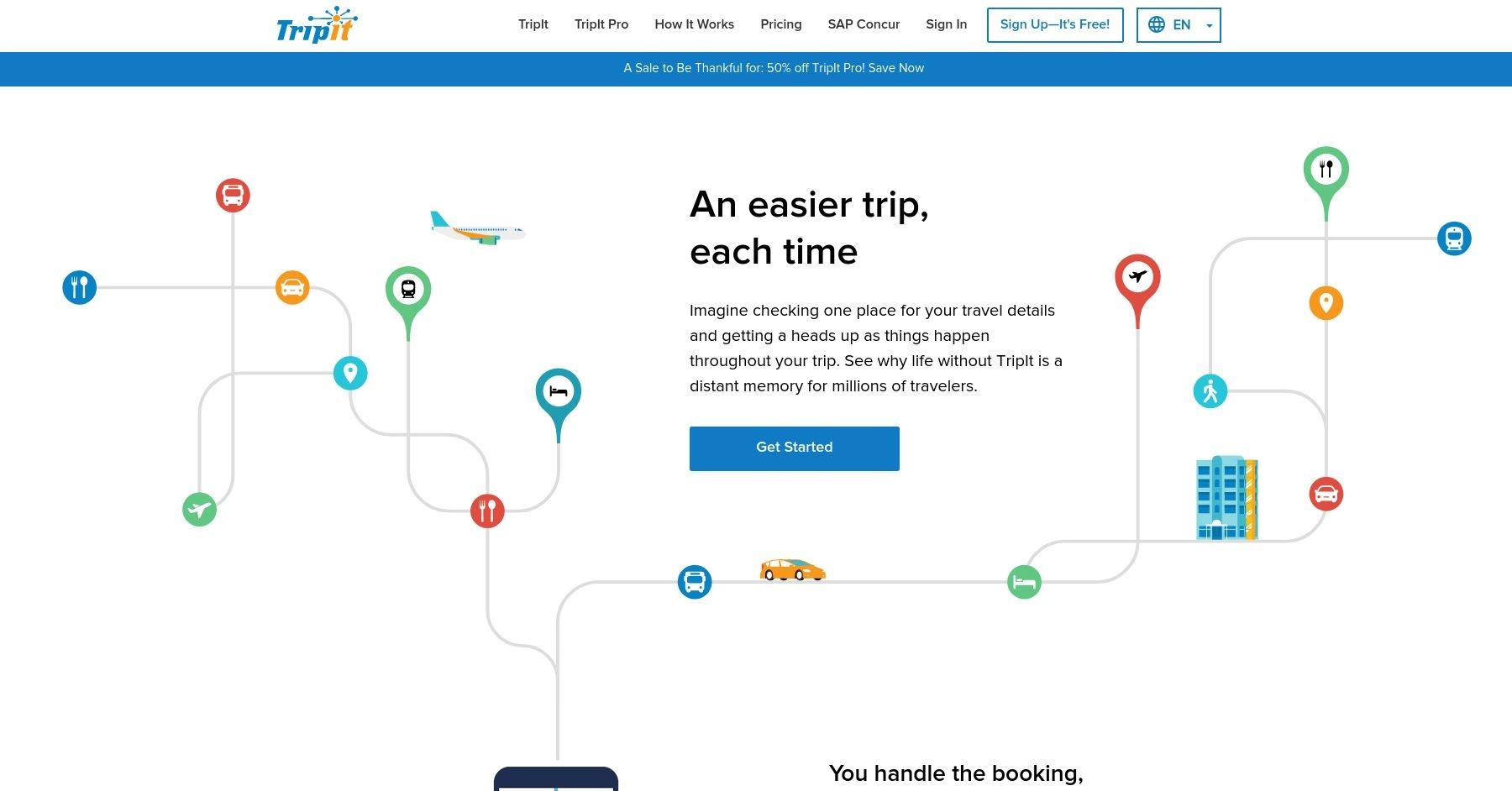





Why Switch?
Below are some of the most mentioned cons or downfalls to using TripIt.
Cons 😢
- Dependency on Email Parsing: TripIt’s reliance on email parsing can sometimes lead to issues if emails are not formatted as expected or if plans are booked through unsupported platforms, requiring manual adjustments.
- Subscription Cost for Premium Features: TripIt’s most valuable features, such as real-time alerts and seat tracking, are locked behind a subscription. Some users feel the cost doesn’t always justify the benefits, especially for occasional travelers.
- Interface Usability: While functional, some users criticize the app’s interface as outdated or less intuitive compared to newer travel apps, making navigation and accessing features less seamless.
"I'll update my review when TripIt fixes their app! I've been using it for years and within the last month it's suddenly gotten all glitchy. The app seems to keep resetting because it won't keep my trips. I've built multiple itineraries and they keep disappearing. I have to be online and reload the app to see my information. I've uninstalled and reinstalled multiple times with no luck. I even put in a support ticket and the response I got back was, 'you can still access trip through the web.'"
Verified Google Play Store ReviewAll Alternatives [Detailed View]

Wandrly
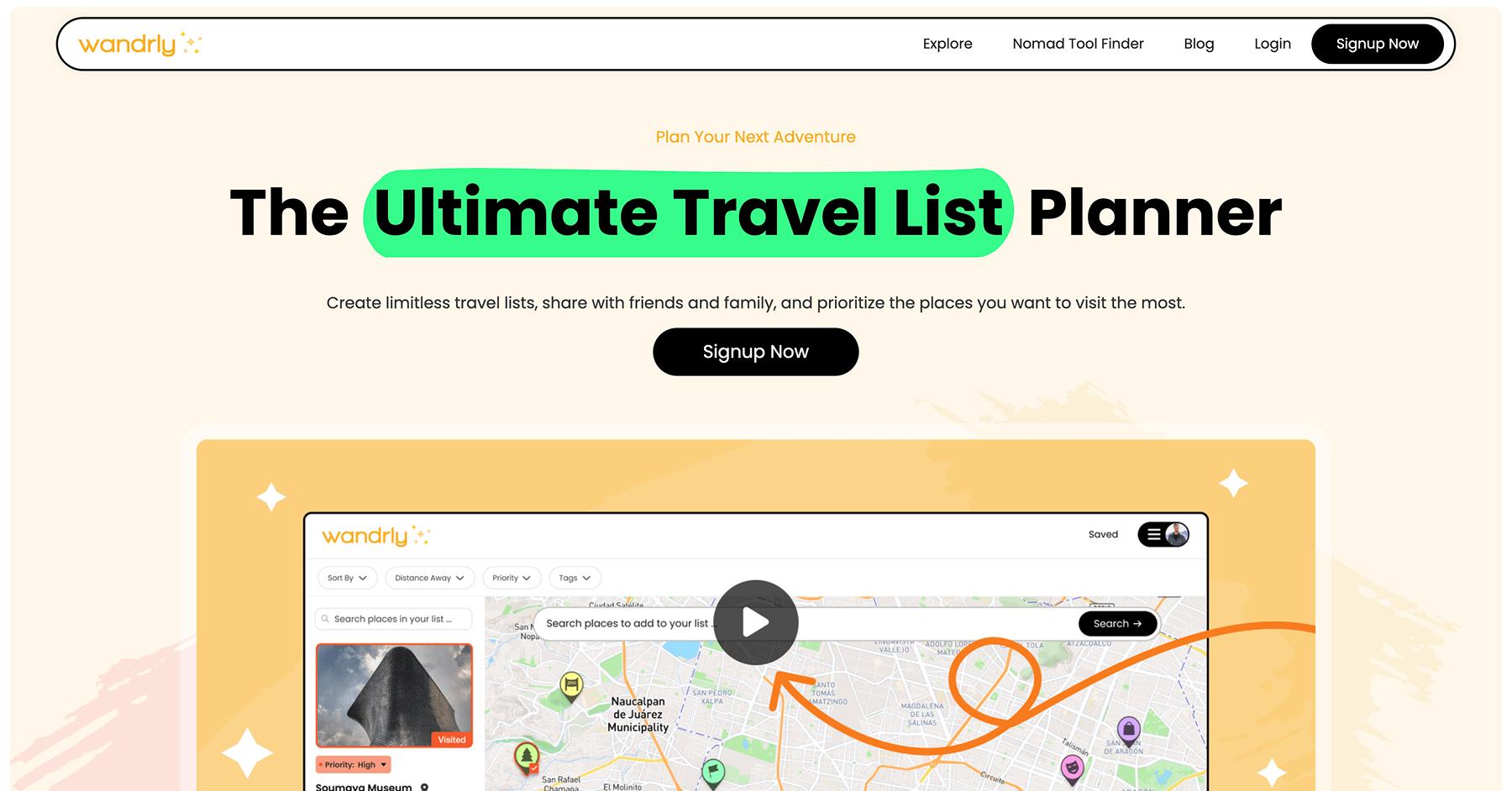
What is Wandrly?
Wandrly is a travel list planning app that helps users discover and organize places to visit through customizable lists. The platform emphasizes collaborative planning, allowing friends and family to contribute to shared lists while using interest levels to prioritize destinations. With filtering options by distance, tags, priority, and other personal preferences, users can prioritize places they want to visit the most.
Learn MoreDetails 📝
- Best for:
- Creating prioritized lists of places to visit and collaborating on trip planning with friends and family.
- Pricing:
- Free to use
- Mobile app?
- No
Key Features ✅
- Activity Lists
- Collaboration
- Map View
Pros 😊
- Unlimited Travel Lists: Users can create unlimited travel lists and save as many places as they want, making it ideal for avid travelers with multiple destinations in mind.
- Smart Prioritization System: The web app uses interest levels to prioritize places you want to see the most, helping travelers focus on their most desired destinations.
- Collaborative Planning: Users can invite friends and family to add places on shared travel lists, making group trip planning seamless and inclusive.
- Comprehensive Filtering Options: The app allows users to filter or sort by distance, interest level, tags, and date added.
- Detailed Note-Taking: Users can add notes for each place they add and keep track of key details, ensuring important information is preserved.
- Travel History Tracking: The app helps users keep track of everywhere they've been by marking places as visited, creating a personal travel journal.
Cons 😭
- Limited Advanced Features: The web app appears to focuses primarily on list-making and discovery rather than comprehensive trip planning features like detailed itineraries, booking integrations, or expense tracking.
- No Booking Capabilities: Unlike comprehensive travel planning apps, Wandrly focuses on list-making rather than providing booking functionality for accommodations, flights, or activities.
- Limited Itinerary Planning: The app is designed for creating lists and discovering places rather than detailed day-by-day itinerary planning with time management and route optimization.

Wanderlog

What is Wanderlog?
Wanderlog is a travel planning app that helps users organize trips, collaborate with others, and track itineraries in real time. It allows users to create detailed, personalized travel plans, including mapping routes, booking accommodations, and sharing travel details with friends.
Learn MoreDetails 📝
- Best for:
- Collaborative travel planning, offering detailed itineraries and real-time syncing.
- Pricing:
- Free to use
- Mobile app?
- Yes
Key Features ✅
- Ai Assistance
- Checklists
- Collaboration
- Expense Tracking
- Flight Tracking
- Itineraries
- Map View
Pros 😊
- User-Friendly Interface: Wanderlog is praised for its intuitive and clean interface, making trip planning easy for both solo travelers and groups. Users appreciate the seamless organization of itineraries, accommodations, and activities in one place.
- Collaboration Features: Many users highlight its collaboration tools, which allow friends and family to plan trips together in real time. This feature is especially useful for group trips, enabling everyone to contribute and view updates.
- Offline Access and Integration: Wanderlog supports offline access, which travelers find invaluable when they don't have internet connectivity. Additionally, its ability to integrate with Google Maps, email confirmations, and calendar apps is seen as a major convenience.
"Great app! It was quite handy to use to plan our trip and to share our trip itinerary and travel notes with friends / co-travelers in the group. The app also proactively gives helpful suggestions like travel tips and even tells you when certain restaurants or attractions in your travel list might be closed. I've used the free version and it was still very helpful."
Verified Google Play Store ReviewCons 😭
- Limited Advanced Features: While Wanderlog is great for basic trip planning, some users feel it lacks advanced features, such as robust budgeting tools, detailed expense tracking, or integrations with more niche travel services.
- Subscription Costs: Some features, like offline maps and certain customization options, are locked behind a premium subscription. Users who prefer free tools may find this restrictive.
- Customization Constraints: A few users have reported that the app's templates and structure can feel somewhat rigid, limiting flexibility in organizing more complex or unconventional itineraries.
"I was so excited to find this for an upcoming trip with lots of stops. I began adding all my hotels and others places I wanted to check out to discover I have to pay for the map usage. 50 bucks for a once in a lifetime trip is so not worth it. Maybe if you travel multiple times a year, it would be worth it. You really should consider a monthly rate with options to put the account on hold."
Verified Google Play Store Review
Polarsteps
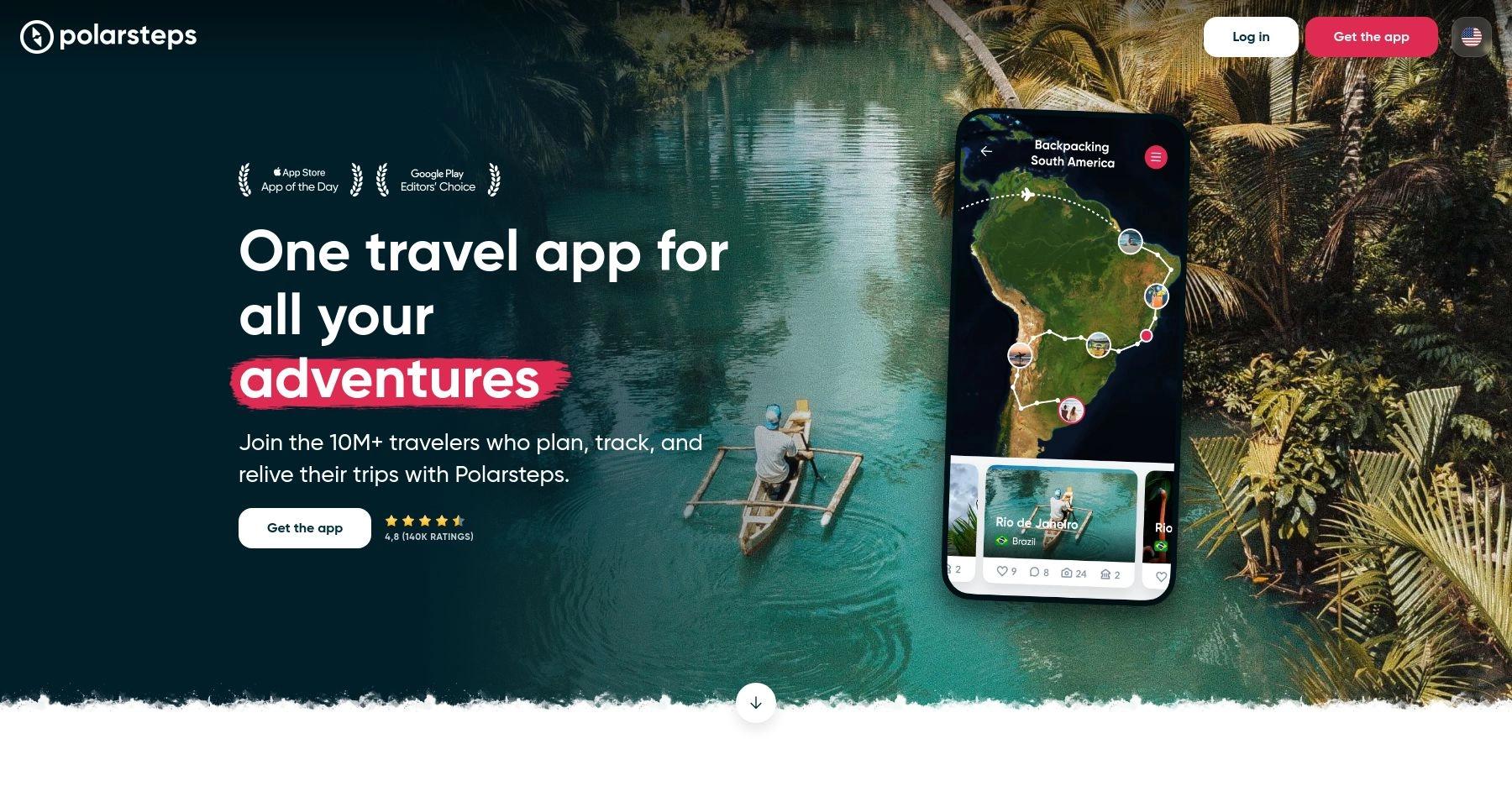
What is Polarsteps?
Polarsteps is a travel app designed to help users plan, track, and relive their adventures. It automatically maps your journey using GPS and allows you to document trips with photos and notes. The app also offers travel guides with curated destination highlights and unique tips.
Learn MoreDetails 📝
- Best for:
- Documenting and sharing trips, with an automated travel log and interactive maps.
- Pricing:
- Free to use
- Mobile app?
- Yes
Key Features ✅
- Travel Stats
- Travel Guides
- Photo Books
- Itineraries
- Collaboration
Pros 😊
- Automatic Travel Logging: Tracks journeys automatically via GPS, creating a travel diary with minimal effort.
- Beautiful Visual Presentation: Users love the dynamic map that showcases travel routes and photos.
- Offline Functionality: Can track trips offline, syncing once internet access is restored.
"We have used polar steps on a couple of trips so far. We absolutely love this app! It gives us the ability to chronicle our trip and include pictures as well as what's going on on our trip. It also gives us the ability to let our friends follow us on the trip without making it public for everyone to see. It's like having your friends come with you on the trip without the expense!"
Verified Google Play Store ReviewCons 😭
- Battery Usage: Continuous GPS tracking can drain the phone’s battery.
- Limited Customization: While great for documenting trips, it lacks detailed trip planning or itinerary features.
- Privacy Concerns: Some users are wary of sharing location data.
"App full of potential but the experience is spoiled because of non-stop bugs. The app has been released without being fully developed. Some fundamental features like merging trips are not available which blocks me from buying their album souvenir. Too bad."
Verified Google Play Store Review
Tripsy
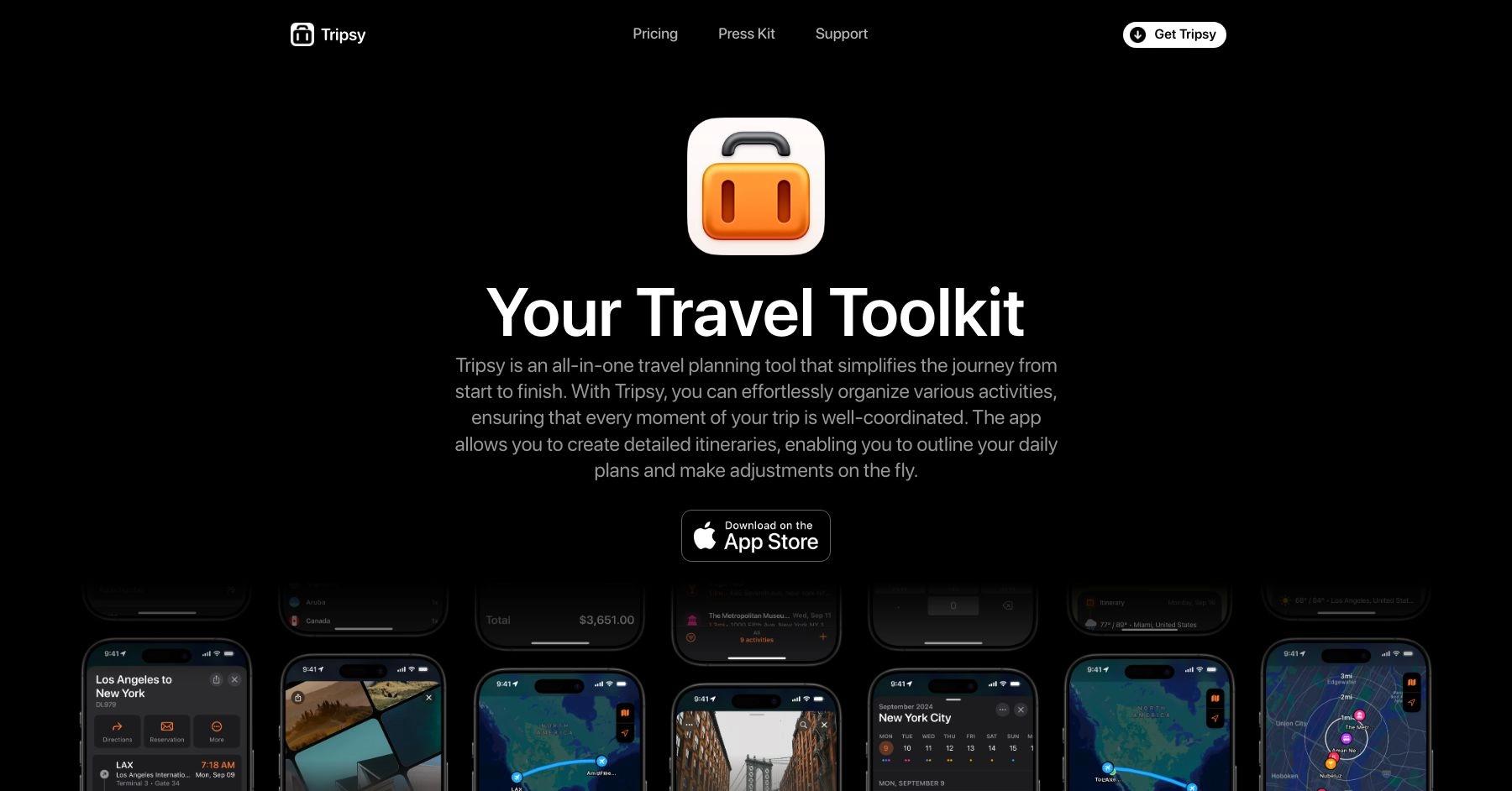
What is Tripsy?
Tripsy is a travel planning app that lets you organize itineraries, reservations, and activities in one place. Features include offline access, calendar integration, and collaborative trip sharing, with support for flights, hotels, restaurants, and more.
Learn MoreDetails 📝
- Best for:
- Organizing travel details, with intuitive itinerary management and reminders.
- Pricing:
- Free plan available, premium plans start at $39 per year
- Mobile app?
- Yes
Key Features ✅
- Weather Alerts
- Flight Tracking
- Calendar Sync
- Collaboration
- Itineraries
- Map View
- Activity Lists
Pros 😊
- User-Friendly Design: Its modern and visually appealing interface makes trip planning enjoyable.
- Shareable Itineraries: Facilitates easy sharing of travel plans with others.
- Cross-Platform Support: Works seamlessly across iOS devices, with Apple Watch integration.
Cons 😭
- Apple Ecosystem Limitation: Primarily focused on iOS users, with no Android support.
- Premium Features Cost: Certain features, such as calendar syncing and advanced organization tools, require a subscription.
- Limited Collaboration: Compared to apps like Wanderlog, collaboration tools are less robust.

Tripio
What is Tripio?
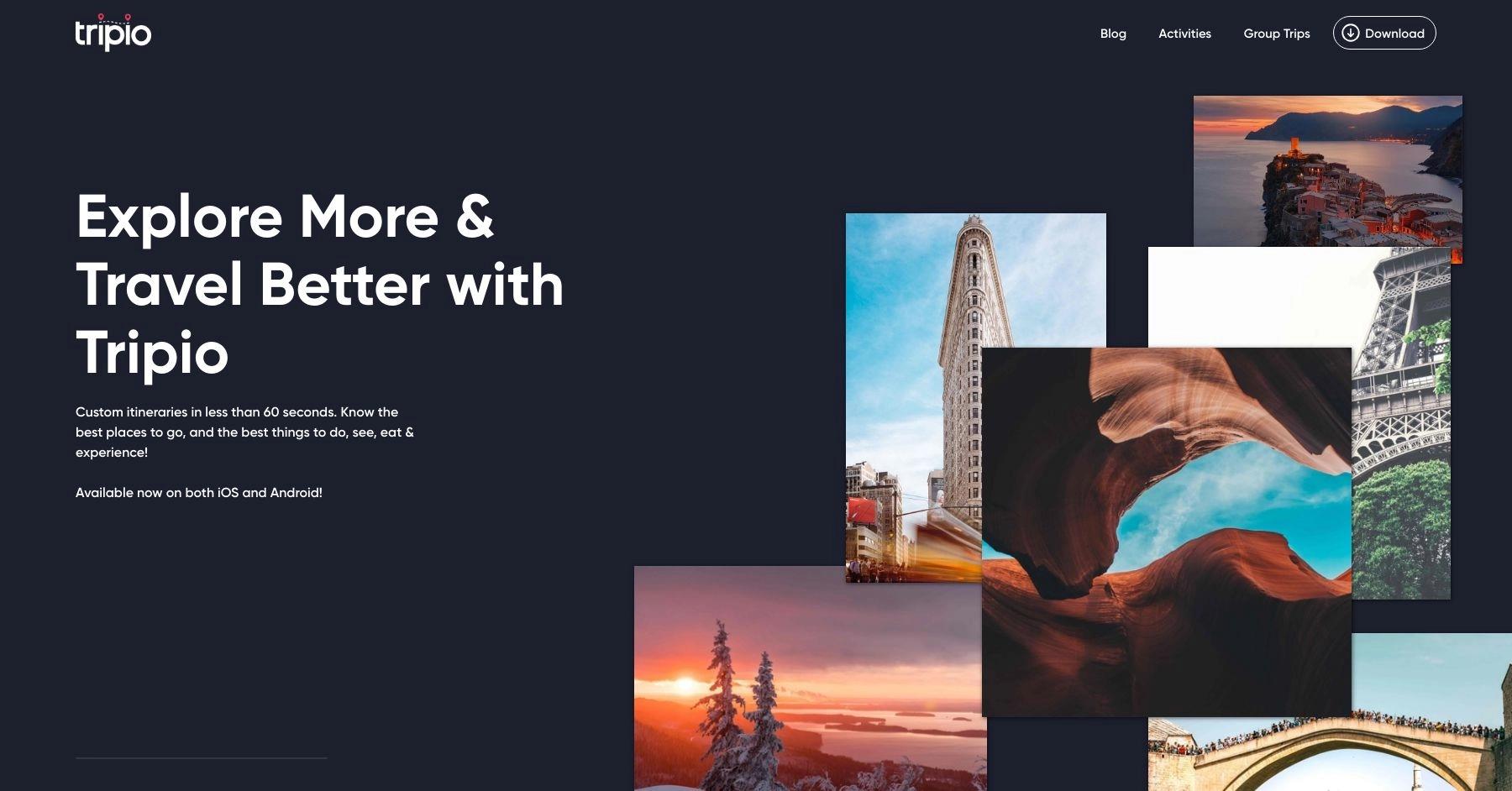
Tripio is an app for organizing trips and itineraries in one place. It helps users manage bookings, discover new activities, and share travel details with others in real time.
Learn MoreDetails 📝
- Best for:
- Curated travel inspiration, offering personalized recommendations and guides.
- Pricing:
- Free to use, premium plans are available
- Mobile app?
- Yes
Key Features ✅
- Itineraries
- Collaboration
- Activities
Pros 😊
- Quick Custom Itinerary Creation: Tripio allows users to generate personalized itineraries in under a minute by setting preferences and filters, saving time on trip planning.
- Extensive Activity Database: The app offers information on over 20,000 activities across more than 200 destinations worldwide, helping users discover diverse experiences.
- User-Friendly Features: Tripio includes in-app turn-by-turn directions, collaborative trip planning, and the ability to rate and review activities, enhancing usability and engagement.
"Absolutely love it! I travel a ton and have been waiting for something like this! So much amazing stuff on here and the filters and custom itineraries are so legit. Excited for this to continue to grow and evolve."
Verified Google Play Store ReviewCons 😭
- Platform Availability: While available on iOS and Android, some features may perform differently across platforms, potentially affecting user experience.
- Data Usage and Battery Consumption: Features like GPS navigation and real-time updates can lead to increased data usage and battery drain during prolonged use.
- Privacy Considerations: The app collects user data, including location and contact information, which may raise privacy concerns for some users.
"The itinerary builder is useless. You can only select whole countries or regions, not specific cities in Europe, and only one country at a time so no multi location travel, and you can't even see the results without paying. Sorry but I was already irritated by not being able to select my destination and now you want me to give you money to show me things that are not where I am going. Yeah its a no for me."
Verified Google Play Store Review
Google My Maps
What is Google My Maps?
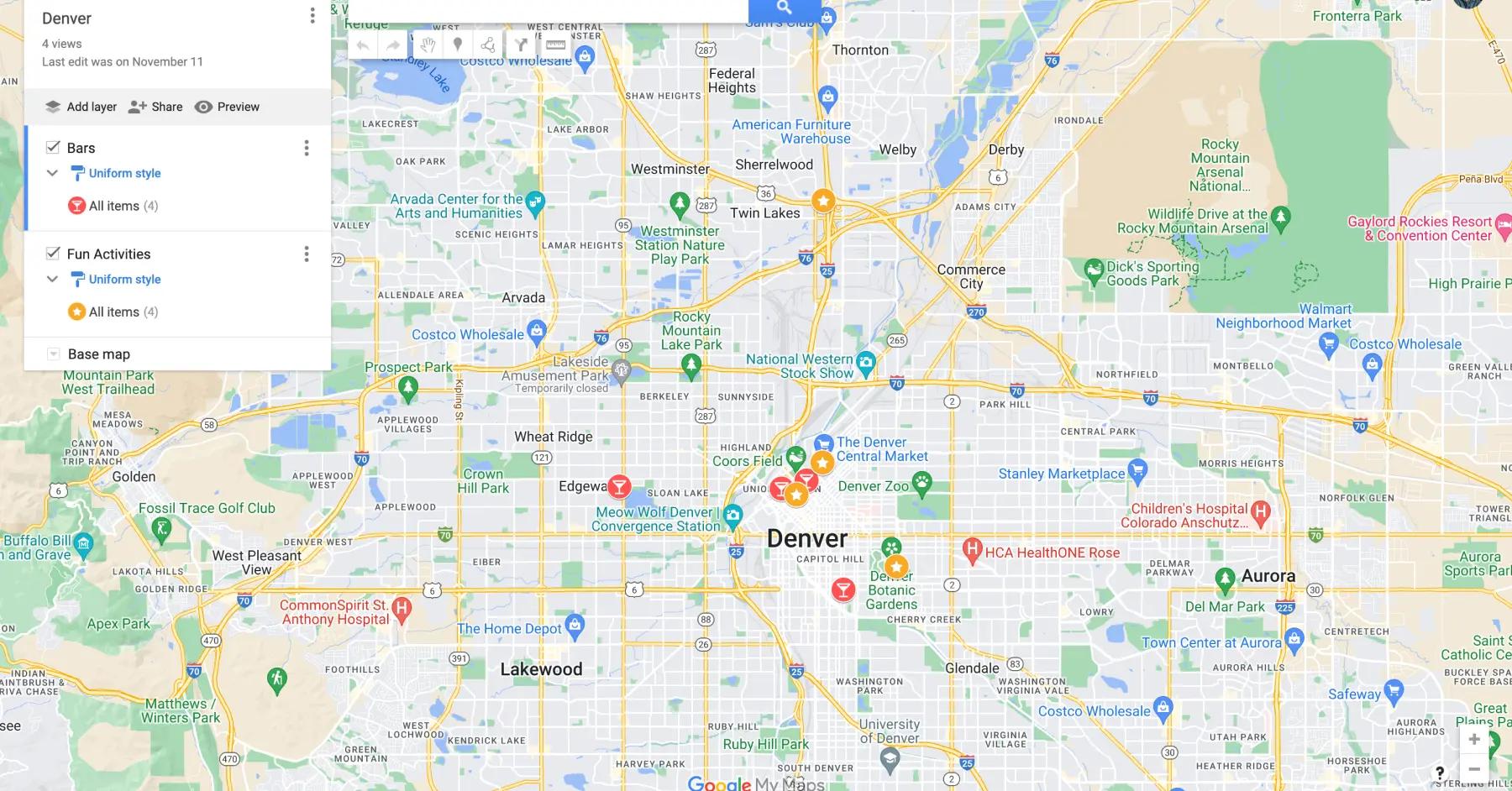
Google My Maps is a free tool for creating custom maps. Users can add locations, draw shapes, embed images, and personalize maps for travel, projects, or sharing with others.
Learn MoreDetails 📝
- Best for:
- Creating custom maps, ideal for visualizing and marking locations for trips.
- Pricing:
- Free to use
- Mobile app?
- No
Key Features ✅
- Collaboration
- Map View
- Navigation
- Itineraries
Pros 😊
- Custom Map Creation: Offers unparalleled flexibility for creating personalized maps with layers, markers, and notes.
- Integration with Google Ecosystem: Syncs well with Google Drive and other Google services.
- Free to Use: No cost for accessing its features, making it an economical choice.
Cons 😭
- Steeper Learning Curve: The interface can feel overwhelming for first-time users.
- No Offline Functionality: Requires internet access to view or update maps.
- Lack of Group Collaboration: Limited real-time collaboration compared to other tools.

Roadtrippers
What is Roadtrippers?
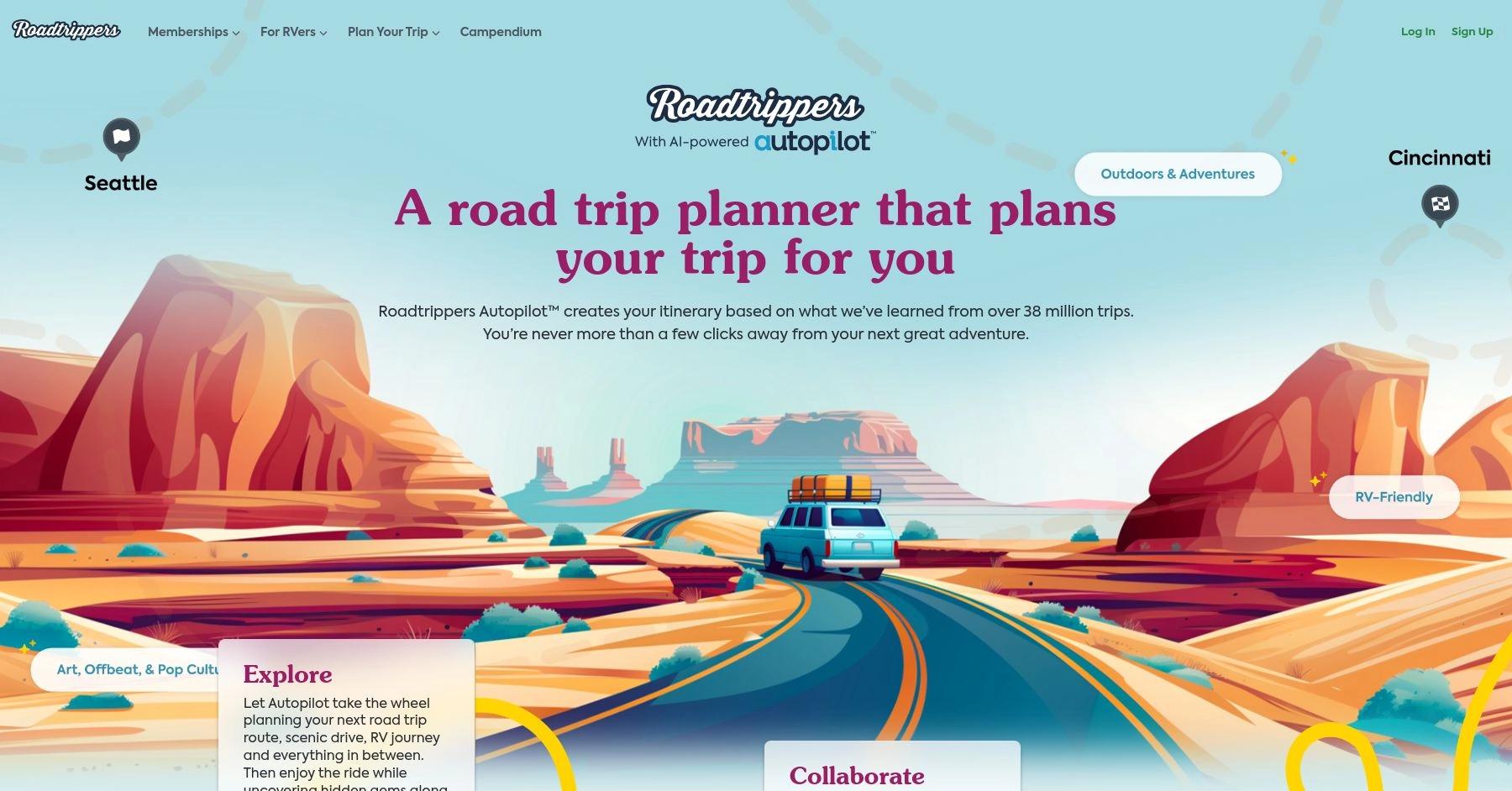
Roadtrippers is a comprehensive road trip planning tool that helps travelers discover scenic routes, unique attractions, and memorable stops. The platform provides custom maps, curated guides, and RV-friendly tools, making it ideal for both short getaways and long adventures. Premium features include offline maps, live traffic updates, and route customization.
Learn MoreDetails 📝
- Best for:
- Comprehensive road trip planning tool to discover scenic routes, hidden gems, and must-see attractions along their journey.
- Pricing:
- Free to use, premium plans start at $35.99 per year
- Mobile app?
- Yes
Key Features ✅
- Ai Assistance
- Navigation
- Map View
- Travel Guides
- Collaboration
- Traffic Updates
- Route Optimization
- Offline Access
- Trip Export
Pros 😊
- Road Trip Focus: Specializes in road trip planning, highlighting scenic routes, attractions, and restaurants.
- Detailed Maps and Points of Interest: Offers unique suggestions for lesser-known destinations.
- Collaborative Planning: Allows group editing of itineraries.
"I do a lot of road trips, and this app is great for planning. It will arrange stops in a logical way, but it will also allow me to move them if desired. I love the feature that lets you see the stops on a map, so I can see if a stop is too far of my desired trip route. The app can also give great suggestions for whatever your favorite thing to see on your travels is. I wish it included more hiking trailheads, but I can typically get somewhat close to where I want to go."
Verified Google Play Store ReviewCons 😭
- Subscription Required for Full Access: The free version limits the number of stops you can add to a trip.
- US-Centric: While it works internationally, its features and recommendations are tailored for the US.
- Occasional Glitches: Some users report occasional bugs when saving or editing trips.
"I used to love Roadtrippers. Planned some of my best trips with it's help. Went to download it again for another trip coming up and it's completely changed. The awesome feature of being able to explore the area around you is now useless. They try to plan it for you and it isn't at all what you would want. AI can be a great companion, unfortunately for Roadtrippers, it ruined a really great thing. So disappointed."
Verified Google Play Store Review
Tripomatic
What is Tripomatic?
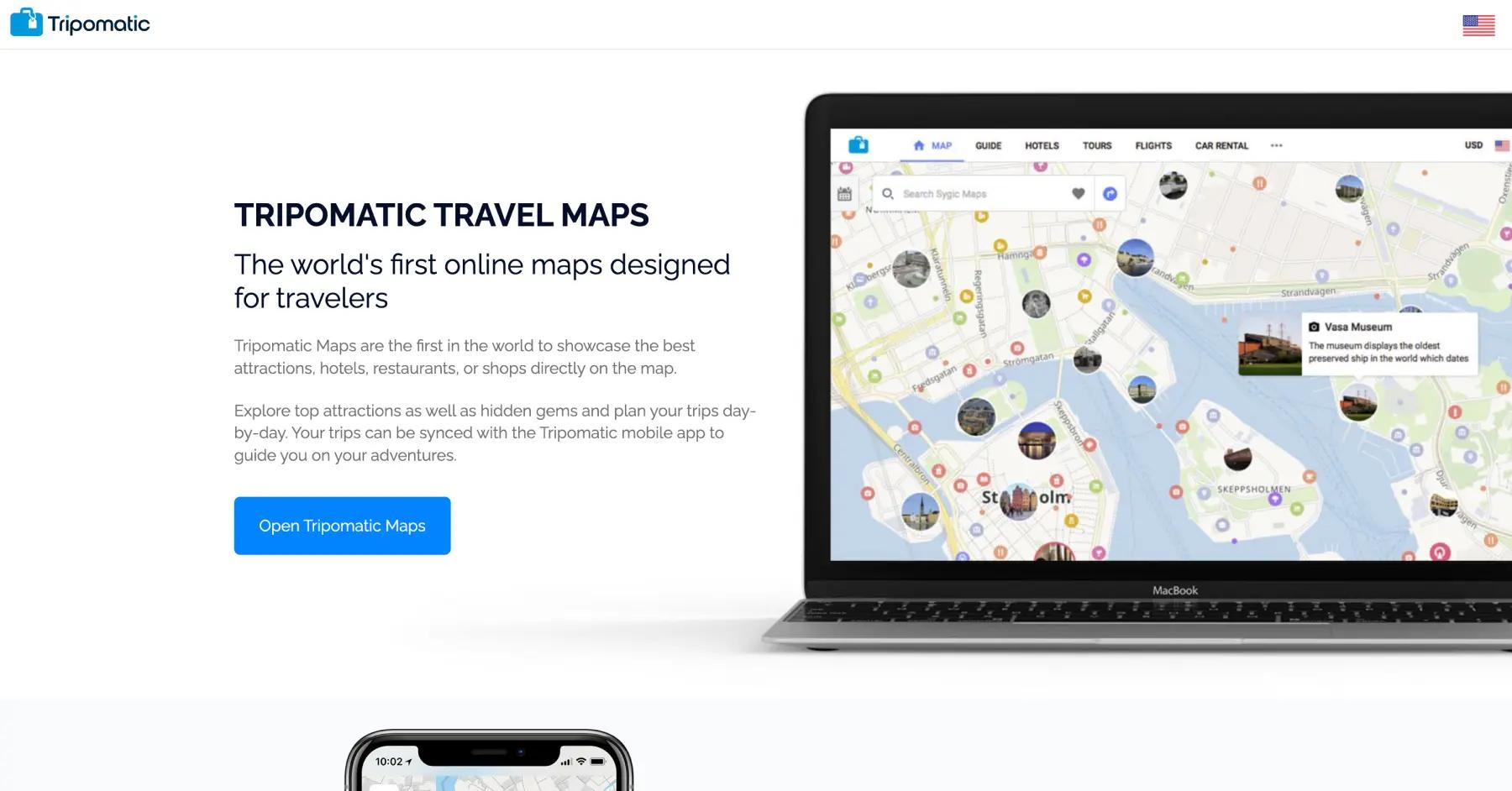
Tripomatic simplifies trip planning with an interactive map-based approach, allowing users to create detailed itineraries by selecting attractions, accommodations, and activities. It integrates practical tools for downloading plans offline and managing trips efficiently.
Learn MoreDetails 📝
- Best for:
- Detailed sightseeing itineraries, with pre-planned routes and customizable options.
- Pricing:
- Free to use
- Mobile app?
- Yes
Key Features ✅
- Map View
- Activities
- Itineraries
- Offline Access
Pros 😊
- Interactive Itinerary Builder: Offers a visually intuitive way to plan daily activities.
- Offline Maps: Downloadable maps make it easy to navigate without internet access.
- Destination Information: Provides detailed guides and suggestions for activities.
"2024 review — now Tripomatic, I love this app and have been a user since 2013, premium for the last year. Highly recommend! 2020 review — I have used this app since 2013 when it was triptomatic. It continues to have more and more helpful features. I plan itineraries for a travel company by trade and love the ease in planning out my time when I get to play ashore."
Verified Google Play Store ReviewCons 😭
- Limited Features: Doesn’t offer robust collaboration or booking integrations.
- Smaller User Base: Less popular than competitors, resulting in fewer community-contributed tips.
- Subscription Model: Requires payment for certain premium features like offline maps.
"Waste of money. Ordered and paid the premium service, which never activated. I contacted support, with no response at all. At least they should respond to the support request in order to fix the issue. Pretty bad."
Verified Google Play Store Review
TripMapper
What is TripMapper?
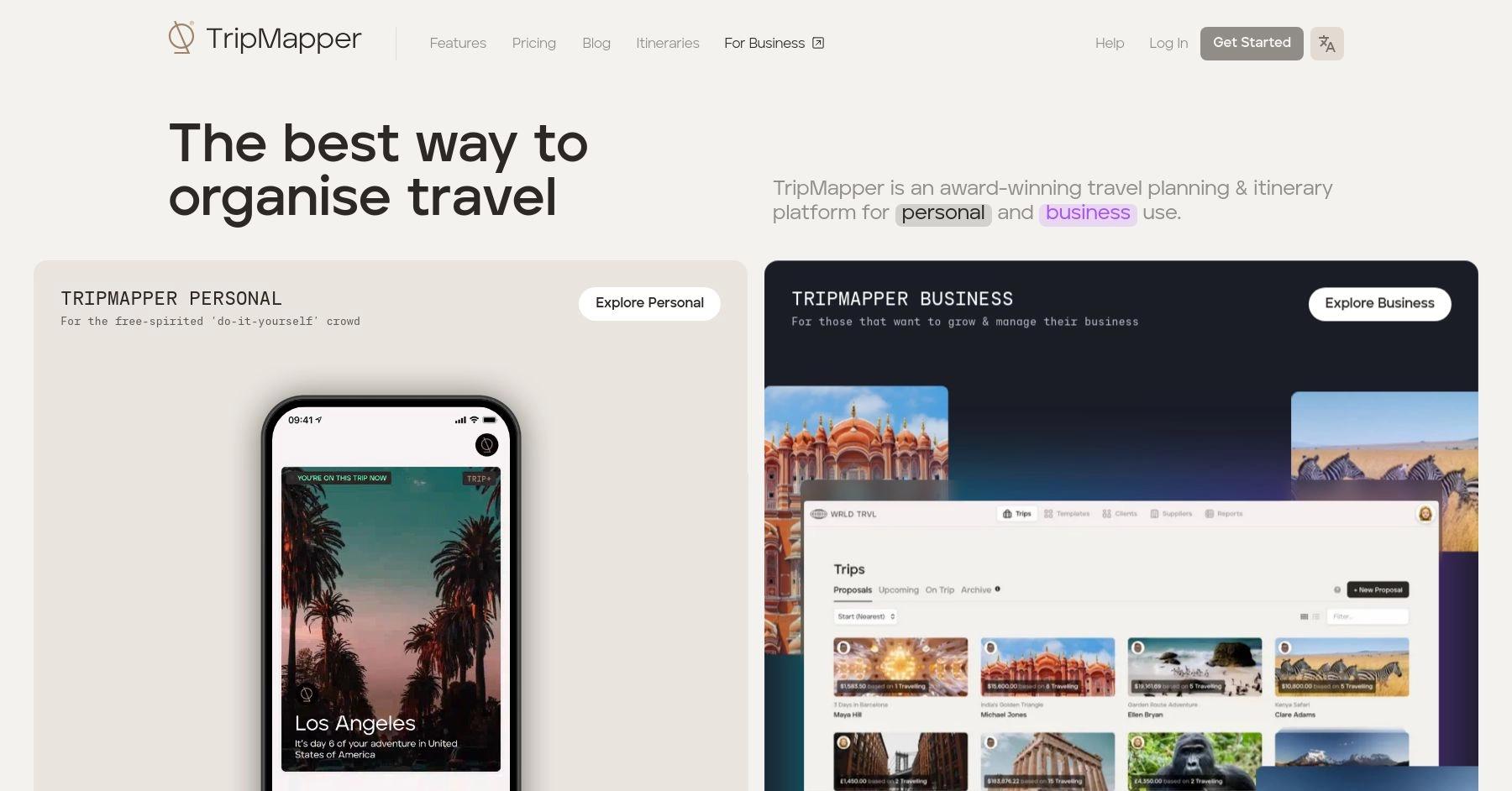
TripMapper provides a visual itinerary planning tool, where travelers can map out their trips by adding destinations, activities, and accommodations. It allows users to easily view and organize their travel plans, making it a convenient platform for detailed trip coordination.
Learn MoreDetails 📝
- Best for:
- Budget-conscious planning, combining expense tracking with itinerary creation.
- Pricing:
- Free to use, premium plans start at $4.99 per year
- Mobile app?
- Yes
Key Features ✅
- Map View
- Offline Access
- Itineraries
- Expense Tracking
- Collaboration
- Attachments
- Travel Guides
Pros 😊
- Budgeting Features: Provides a detailed way to track trip expenses.
- Customizable Itineraries: Allows for detailed day-to-day planning.
- Collaboration Tools: Enables multiple users to contribute to the same trip plan.
Cons 😭
- Subscription Cost: Many features are locked behind a premium plan.
- Limited Mobile App Functionality: The app’s usability is not as polished as some competitors.
- No Real-Time Syncing: Updates from collaborators may not appear instantly.

Pilot

What is Pilot?
Pilot is a collaborative travel planning app designed for groups. It enables users to organize itineraries, share ideas, and streamline travel logistics in one place. Pilot simplifies planning with a clean interface and group-friendly features, ensuring a smooth and enjoyable journey.
Learn MoreDetails 📝
- Best for:
- Best for group trip coordination, offering collaborative tools and shared planning features.
- Pricing:
- Free to use
- Mobile app?
- Yes
Key Features ✅
- Itineraries
- Offline Access
- Collaboration
- Activities
- Checklists
- Voting
- Attachments
Pros 😊
- Group Trip Management: Focuses on seamless collaboration for group trips, with chat features included.
- All-in-One Platform: Combines planning, budgeting, and sharing into a single platform.
- User Engagement: Encourages group input to keep everyone involved in the planning process.
Cons 😭
- Still Evolving: As a newer app, it lacks some polish and features compared to older competitors.
- Mobile App Limitations: Not as feature-rich as the desktop version.
- Subscription Model: Advanced tools require a subscription.